
post
https://apipaysandbox.aqbank.com.br/api/auth/login
After authentication, you will be able to use the API services.
/auth/login
/auth/loginAfter account activation:
- Access the endpoint on this page and generate your Authentication Token.
- To authenticate with the API, you will need to send:'
- The API Key (provided by the commercial team);
- The tax document registered with AQPago.
With this information, when making a request to this endpoint, the response will be a new Token for use in subsequent endpoints.
To use a specific Endpoint, pass the Token in the request Header, as follows:
"Authorization": "Bearer {yourToken}"
Note: Consult with the commercial team about the services your Key is Authorized for. Depending on the type of Key, certain services may be unavailable.
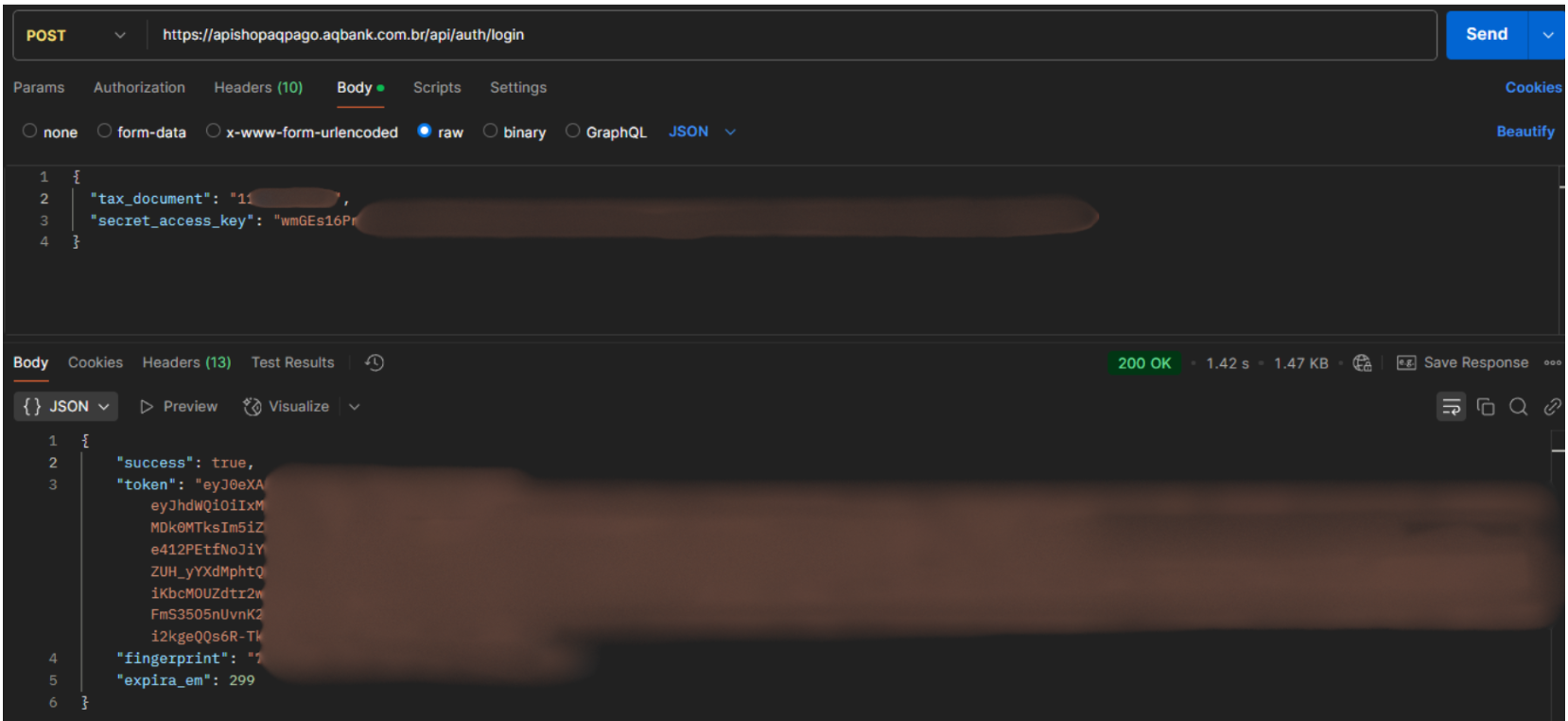
Example of Successful Authentication and Receiving the Token for Subsequent Requests